

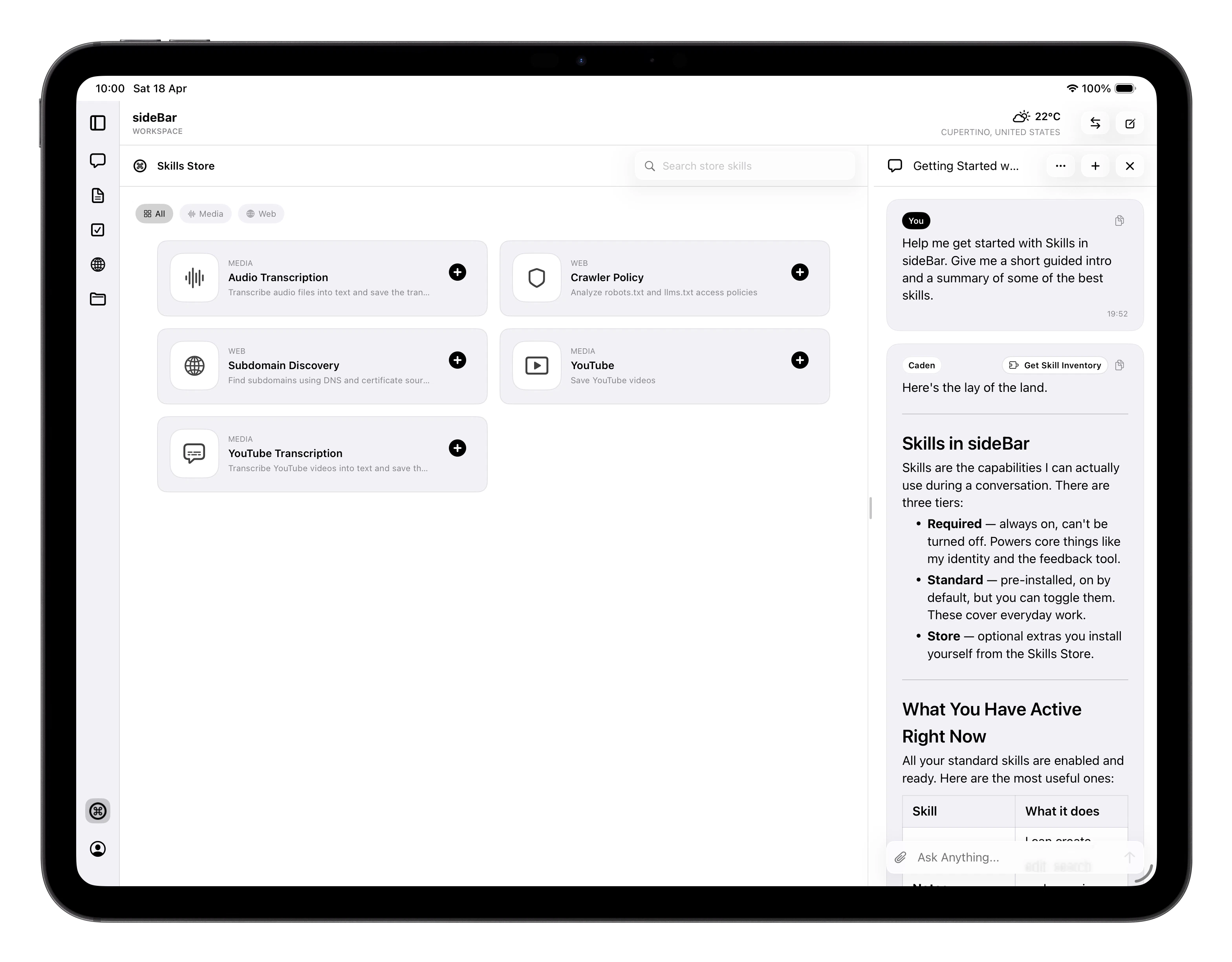
Browsing the Store
Skills are organised by category — Audio, Media, Web, Developer, and more. Use the category filter at the top to narrow the list, or search by name to find something specific. Tap any skill card to see its full description, requirements, and version details.Installing a Store Skill
- Tap a skill to open its detail view.
- Review the description and requirements.
- If the skill needs an API key from an external service, enter it when prompted. Your key is encrypted before being stored. Only the last four characters are shown after saving and the full key is never displayed again.
- Tap Install. The skill is available to sideBar immediately.
Managing Installed Skills
After installation, your Store skills are managed from Settings → Skills, not from the Store itself. From there you can:- Enable or disable the skill with a toggle
- Update the API key if your credentials change
- Uninstall the skill. This removes it and deletes its credentials from your account